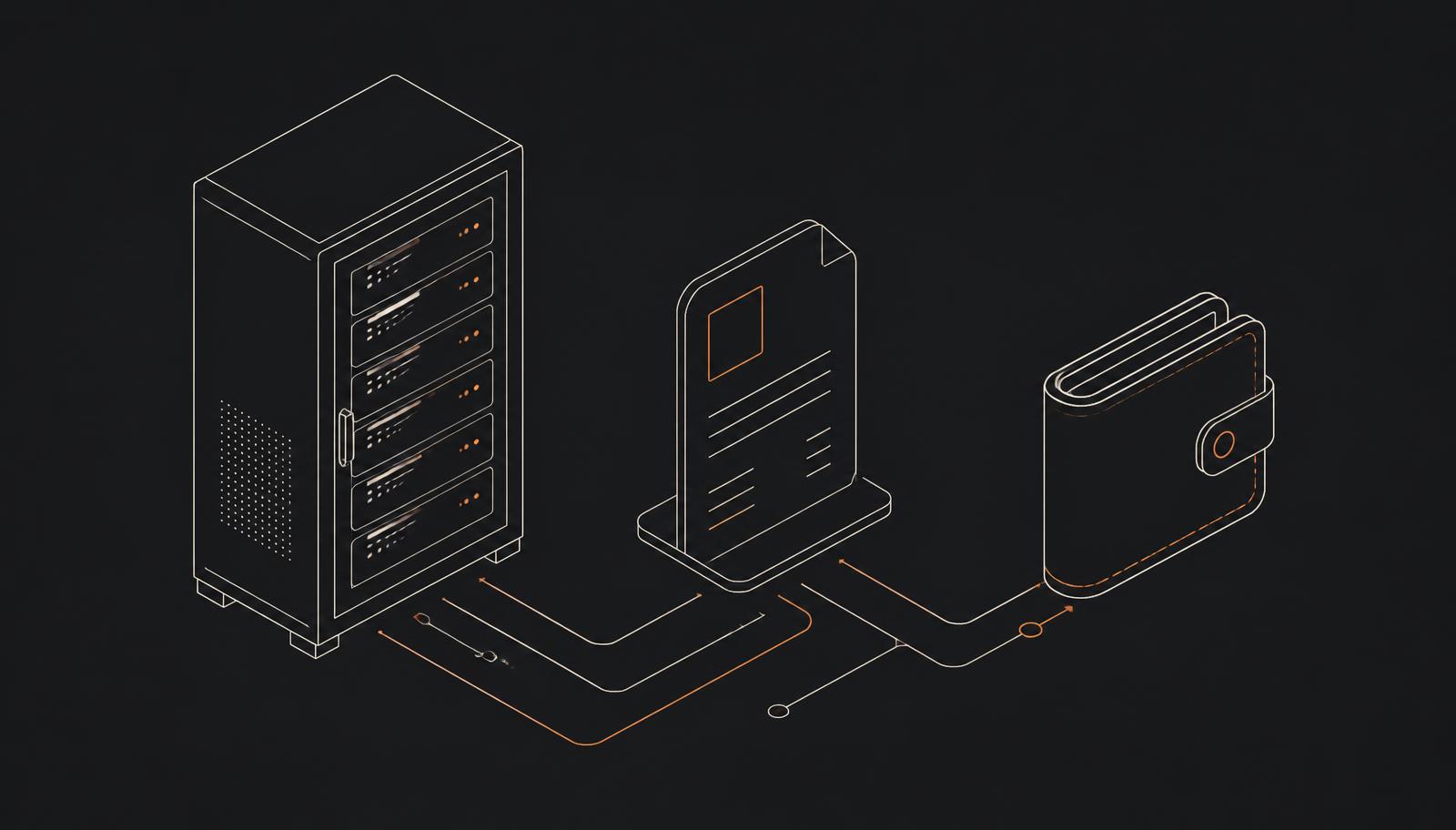
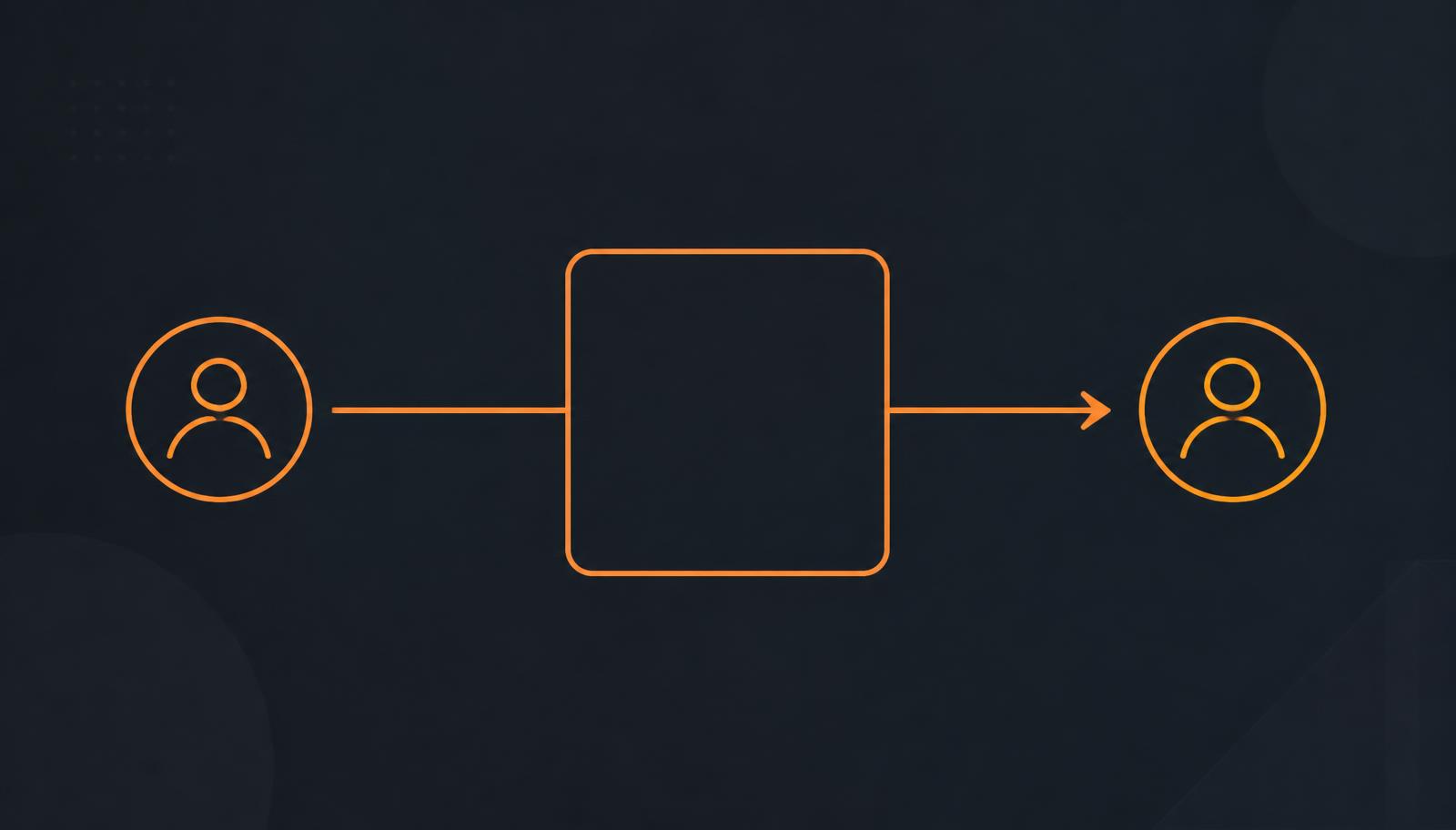
If you want to accept Bitcoin for professional work without handing your payments to a third party, BTCPay Server is the usual answer: open-source software you (or a host you choose) run, which creates invoices and receives payments into a wallet you control. On TheOrangeCove, connecting a working BTCPay setup is what allows your eligible Listings to show a Pay with Bitcoin option.
This article is for Professionals deciding whether that is worth doing, and what it commits them to. It is not investment advice and it is not a recommendation to hold Bitcoin.
Why a Professional might consider Bitcoin payments
The honest case is narrower than the enthusiastic one.
Direct settlement. Payments arrive at infrastructure you control, without an intermediary deciding when to release them or whether your line of work is acceptable.
Cross-border usability. Bitcoin does not care which country your Client is in. For international clients, that can remove a category of friction around currencies and correspondent banking.
Less dependence on payment intermediaries. Fewer parties who can freeze, reverse or reclassify a payment after the fact.
Control over your payment stack. You choose the software, the wallet, and the policies around them.
Now the other side, which matters just as much.
Volatility. Bitcoin's value against your local currency can move meaningfully between quoting and settlement, and after settlement. How you price, and whether you convert, is a business decision with real consequences.
Accounting and tax. Receiving Bitcoin does not exempt you from invoicing, bookkeeping or tax obligations, and treatment differs by jurisdiction. Get qualified advice for your situation rather than guessing from forum posts.
Wallet security. Nobody can restore your keys for you. Backups and key handling become part of your professional operations.
Finality. A confirmed Bitcoin transaction is not reversible. That protects you against chargeback abuse and it means mistakes are costly.
A learning curve. Invoices, exchange rates, partial payments, expiry windows, webhooks: all of it needs to work when a real Client is trying to pay you.
Local rules. Whether and how you may accept Bitcoin, and what you must record, depends on where you operate. Bitcoin is not universally cheaper, faster or permitted, and anyone claiming otherwise is selling something.
What BTCPay Server is
BTCPay Server is free, open-source, self-hostable Bitcoin payment software. It is a community project — TheOrangeCove neither built it nor owns it. The official project site is btcpayserver.org, and its documentation is the authoritative reference for anything version-specific.
Functionally, it does four things you care about:
- Invoices. It creates a payment request for a given amount, shows the Client what to pay, and tracks whether it has been paid, underpaid or expired.
- Wallet connection. You connect a wallet — typically by supplying an extended public key from a wallet whose keys you hold — so payments land where you decide.
- Stores. A store is a merchant context with its own settings, wallet and credentials. Its identifier is commonly called the Store ID.
- Events and webhooks. When an invoice changes state, BTCPay can notify another system over HTTP so that system can update an order.
The design is non-custodial by intent: BTCPay is a tool for receiving your own payments, not a service that takes possession of them.
What you control — and are responsible for
Everything in this list sits with you, whether you self-host or use a hosted BTCPay instance:
- the server or hosted instance, including updates and availability
- the store and its configuration
- the wallet connection and the keys behind it
- the Store ID and any API credentials you issue
- the webhook that reports invoice events
- your pricing, payment and refund policies
- backups, access control and general operational security
If a Client pays and something needs to be refunded, you issue that refund. If your instance is offline, checkout does not work. Control and responsibility are the same thing here.
How TheOrangeCove connects to your BTCPay setup
The integration is deliberately thin. TheOrangeCove starts checkouts against your store and reads the resulting status; it never touches your funds.
In the Professional Portal you open the Payments section and supply the connection details for your store — the instance, the Store ID and a credential with the permissions the integration needs. From there:
- A connection test confirms TheOrangeCove can reach your store and use the credential.
- A webhook is configured so your instance can report invoice events back.
- Once a valid webhook event has been received, the connection is treated as verified rather than merely configured.
- Your setup reaches payment-ready status.
- Eligible Listings can then present Pay with Bitcoin.
Labels shift as the Portal evolves, but the shape does not: reachable store, working credential, working webhook, then checkout. Until every step passes, the Listing stays inquiry-only, which is the safe default — it is better for a Client to send you a message than to meet a broken invoice.
The reason the flow looks like this is the payment model itself: the platform integrates a path it never custodies. Non-custodial professional payments explains the same arrangement from the Client's side, which is worth reading if you plan to answer Client questions about it.
Pro and Premium: where support ends
Bitcoin checkout is available on Pro and Premium, and the difference is the help you get setting it up.
On Pro, you bring and configure your own BTCPay Server. Standard email support during business days covers questions about TheOrangeCove and the connection itself.
On Premium, you additionally get a guided setup workflow: structured instructions, a checklist, and asynchronous support through the process.
The boundary is firm in both cases, and it is worth reading twice before you buy a plan expecting otherwise. Premium support does not include hosting your instance, holding funds or keys, managing your wallet, administering your server, handling seed phrases, 24/7 availability, or a response-time guarantee. It is help understanding and completing your own setup. Current entitlements are on the pricing page.
Security practices that are not optional
Some of these are absolute. Treat them as such.
- Never share your seed phrase with anyone, including anyone claiming to be TheOrangeCove support.
- Never share a private key.
- Never share your wallet password.
- Never send funds to "support" for testing, verification, unlocking or any other reason. No legitimate request of that kind exists.
- Issue least-privilege API credentials — only the permissions the integration needs, and a separate credential per integration so you can revoke one without breaking the others.
- Protect your backups. A wallet backup is a spending capability. Store it as carefully as the keys themselves.
- Verify your configuration after any change: run a test payment and confirm the webhook still arrives.
Anything beyond this — hardening a public-facing server, network topology, node operation — belongs to your own hosting decisions and to the official BTCPay documentation, not to a marketplace article.
A readiness checklist
Before you enable checkout, you should be able to answer yes to all of these:
- A BTCPay instance is available to me — self-hosted or hosted — and I know who keeps it running.
- A store is configured for my professional services.
- I understand how my wallet is connected and where payments arrive.
- I have created an API credential with the minimum permissions needed.
- A webhook is configured and I have seen it deliver an event.
- A test payment has completed end to end.
- I understand my accounting, invoicing and tax responsibilities, and my refund policy is written down.
If any answer is no, stay inquiry-only until it is yes. An unclear payment experience costs more trust than not offering checkout at all — and how trust and visibility work here is a separate topic, covered in what TheOrangeCove is and how it works.
Questions about eligibility and reviews are answered in the FAQ.
Apply as a Professional
Further reading